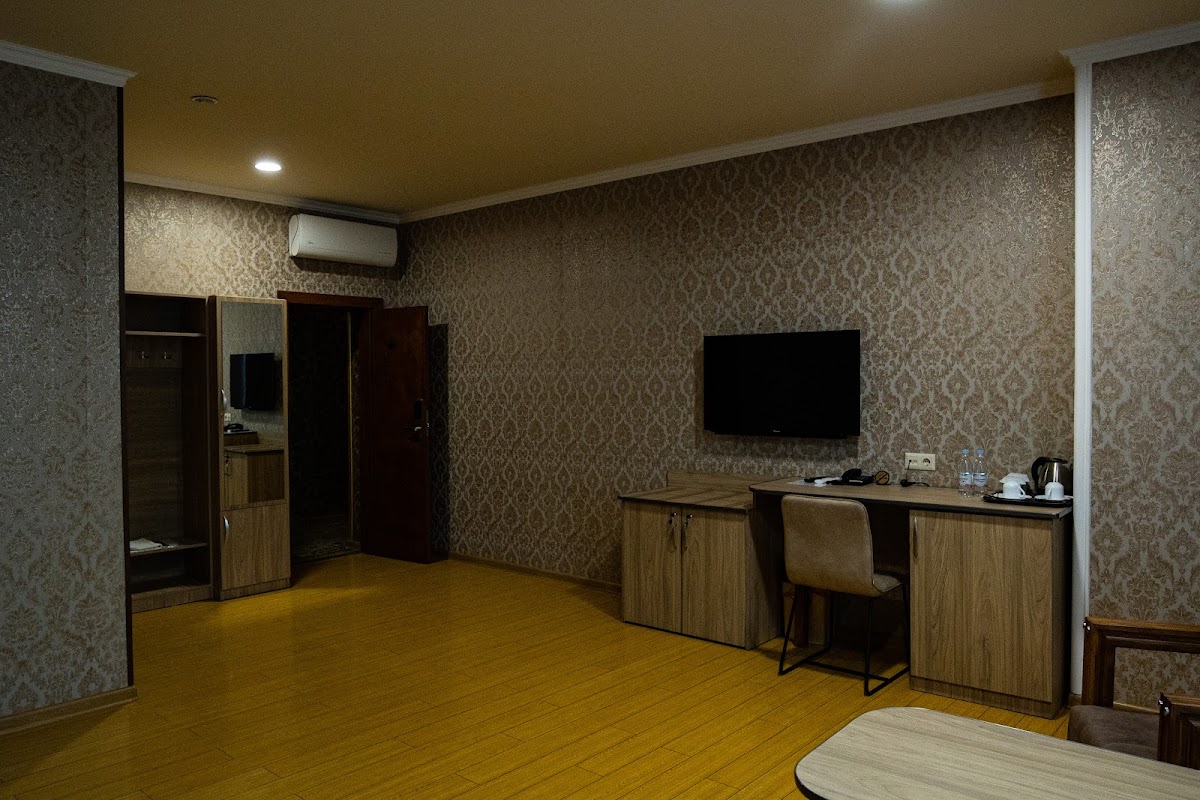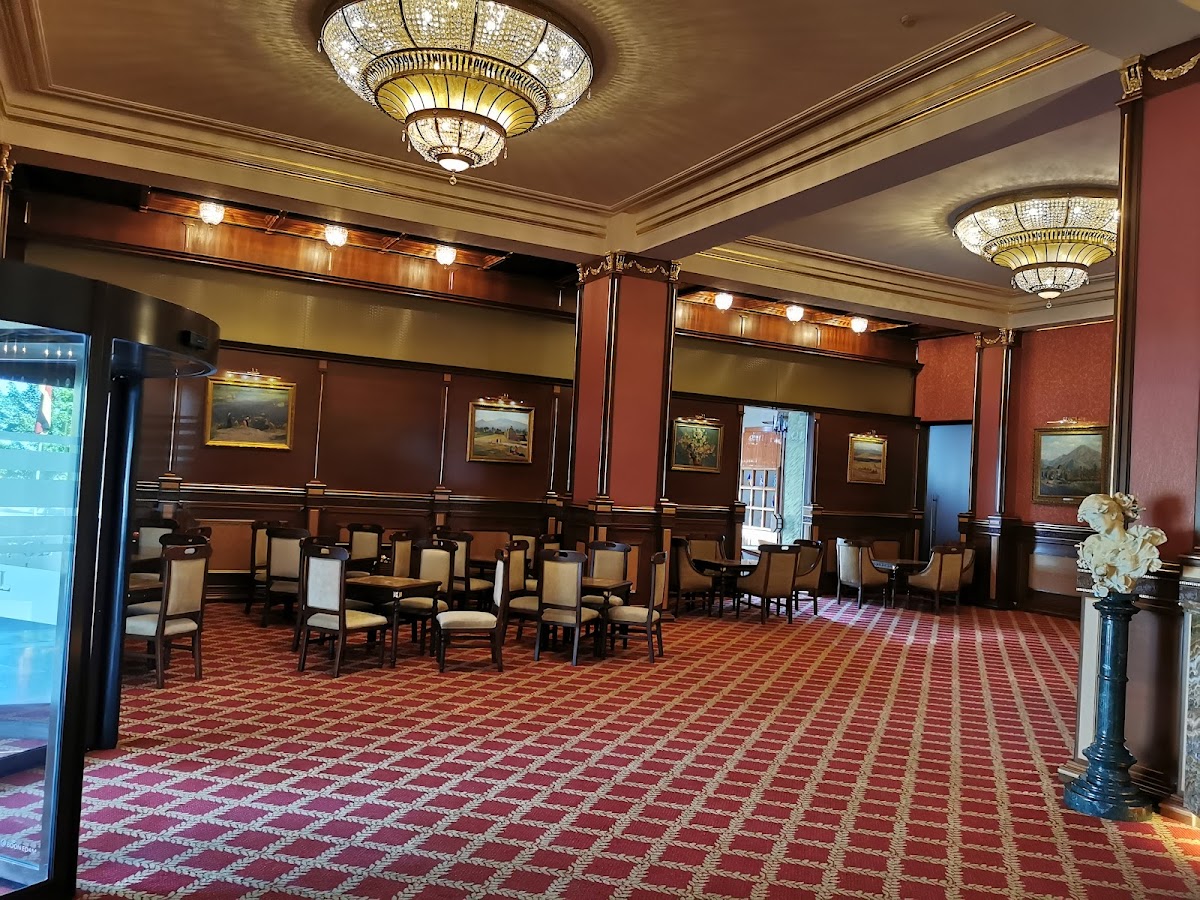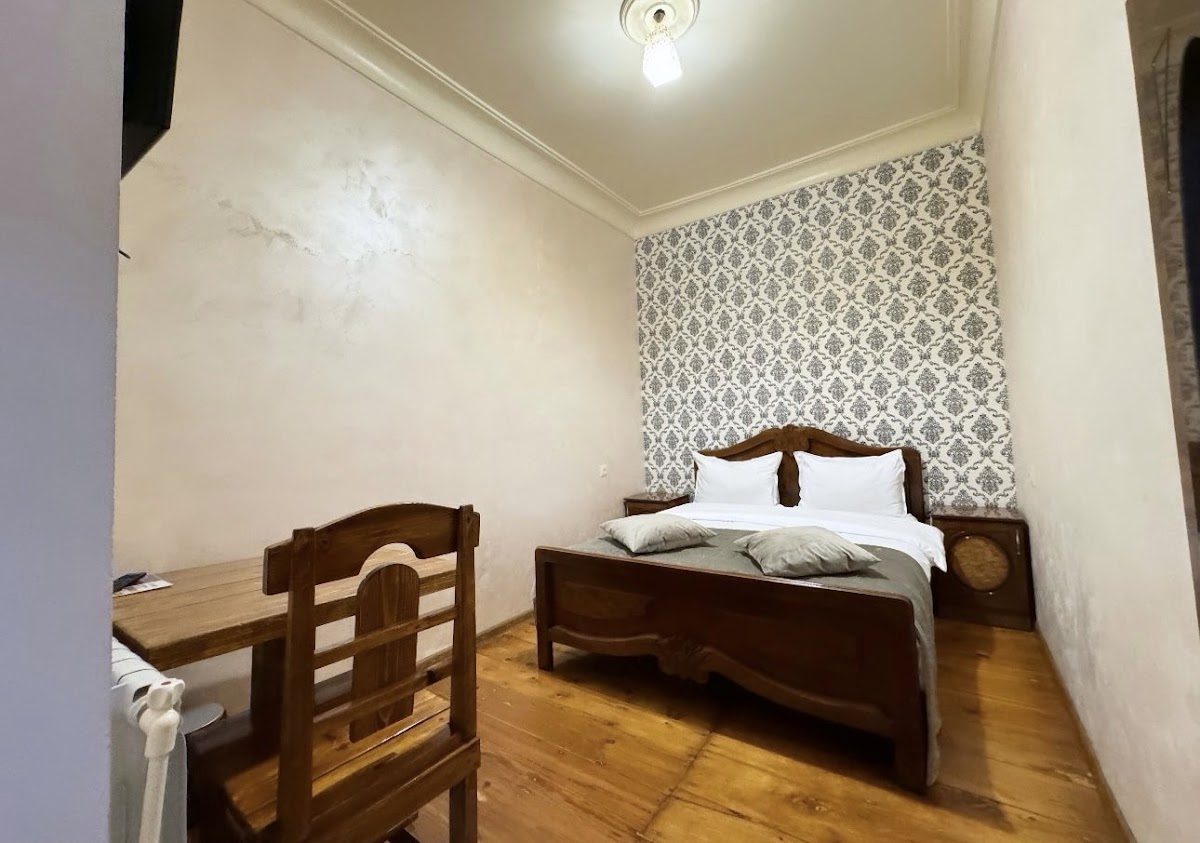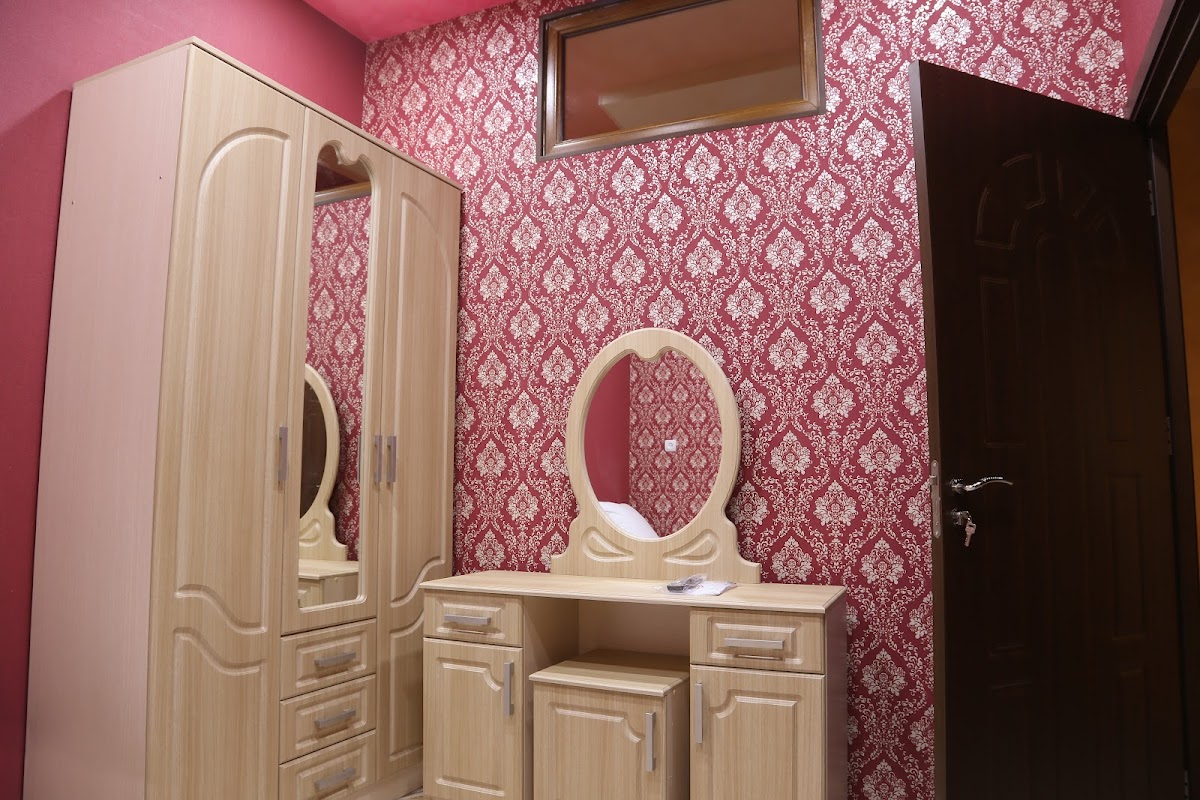
Arevatsag CanyonArevatsag, Lori Province, Armenia, XJ54+QRX, Arevatsag, Armenia
⭐ 5.0NatureBeautiful seeingLake
Explore →
Free on iOS & Android
Travely puts the places worth visiting on one map, with reviews from people who've actually been there. It also sells prepaid eSIMs, so your phone works the moment you land.
Pick a category and swipe through what's listed.
Guided tours from local agencies, with the next dates you can join.
 Historical
by Travely Tour Club
 Multi-day trip
by Krak Hiking club
 Food tour
by Krak Hiking club
 Day trip
by Krak Hiking club
Open the map and see what's near you — a café, a museum, a pharmacy that's still open at 11pm. Each place has photos, opening hours and reviews.
Tell the planner which city, how many days and what you're into. It builds a route from real listings, with time set aside at each stop.
Buy an eSIM before you fly. Scan the QR code and you're set.
Pick your country, pay, and scan the QR code. It takes a couple of minutes, and there's no shop or plastic SIM involved.
Because it's prepaid, there's no roaming bill waiting when you get home. And if your plans change before you've installed it, cancel within 24 hours and you'll get the full amount back.
News, tips and updates for travellers, from the Travely team.
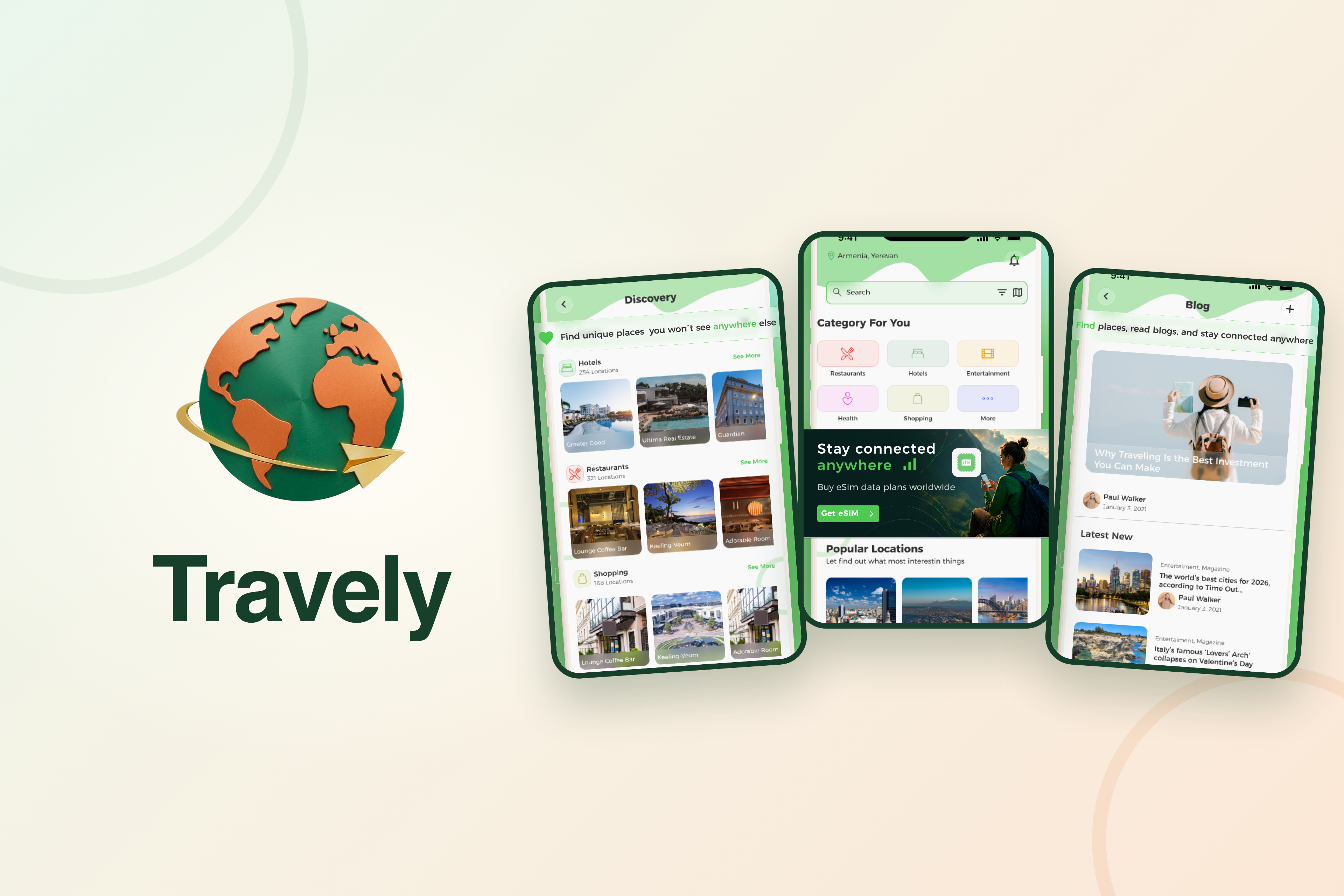
Guided tours from local agencies are now in the app. See what is running near you, check the dates and price, and contact the agency in a tap.
No shop, no plastic card, no roaming surprise. What an eSIM is, how to set one up before you fly, and the mistakes to avoid.
Golden forests, a mountain lake, a temple above a canyon and a cable car to a clifftop monastery. Four stops that are at their best before winter.
For Business Owners
It happens in the app, in three steps.
Download Travely, search for your business and tap “Claim this place”.
Claiming is part of Travely Pro — there's no separate fee. Upload a business licence, a utility bill or your registration, and we'll review it within a few days.
Once you're verified, you can edit your hours and photos and reply to reviews.
Start by downloading the app: